Order ahead with the Heidi app
Your coffee can be on its way before you are. Choose and pay for your order in the Heidi app, then collect it from your selected shop.
Get the app
The app is free for iOS and Android—and when you sign up, your first regular tea or coffee is on us.
What you can do
Order ahead
Browse the menu, choose a collection shop and send your order directly to its team. Most orders are ready around five to eight minutes after confirmation.
Pay through the app
Pay securely using a major credit or debit card, Apple Pay or Google Pay. You can also order with the team in person and use Check In to pay through the app at the counter.
Collect loyalty stamps automatically
The app syncs with the loyalty scheme at our standalone shops. Every eligible hot drink adds a stamp, whether you order ahead or pay through the app at the counter. Collect seven stamps and your eighth hot drink is free.
Where the app works
You can order ahead at:
- Heidi Chelsea
- Heidi Haslemere
- Heidi Richmond
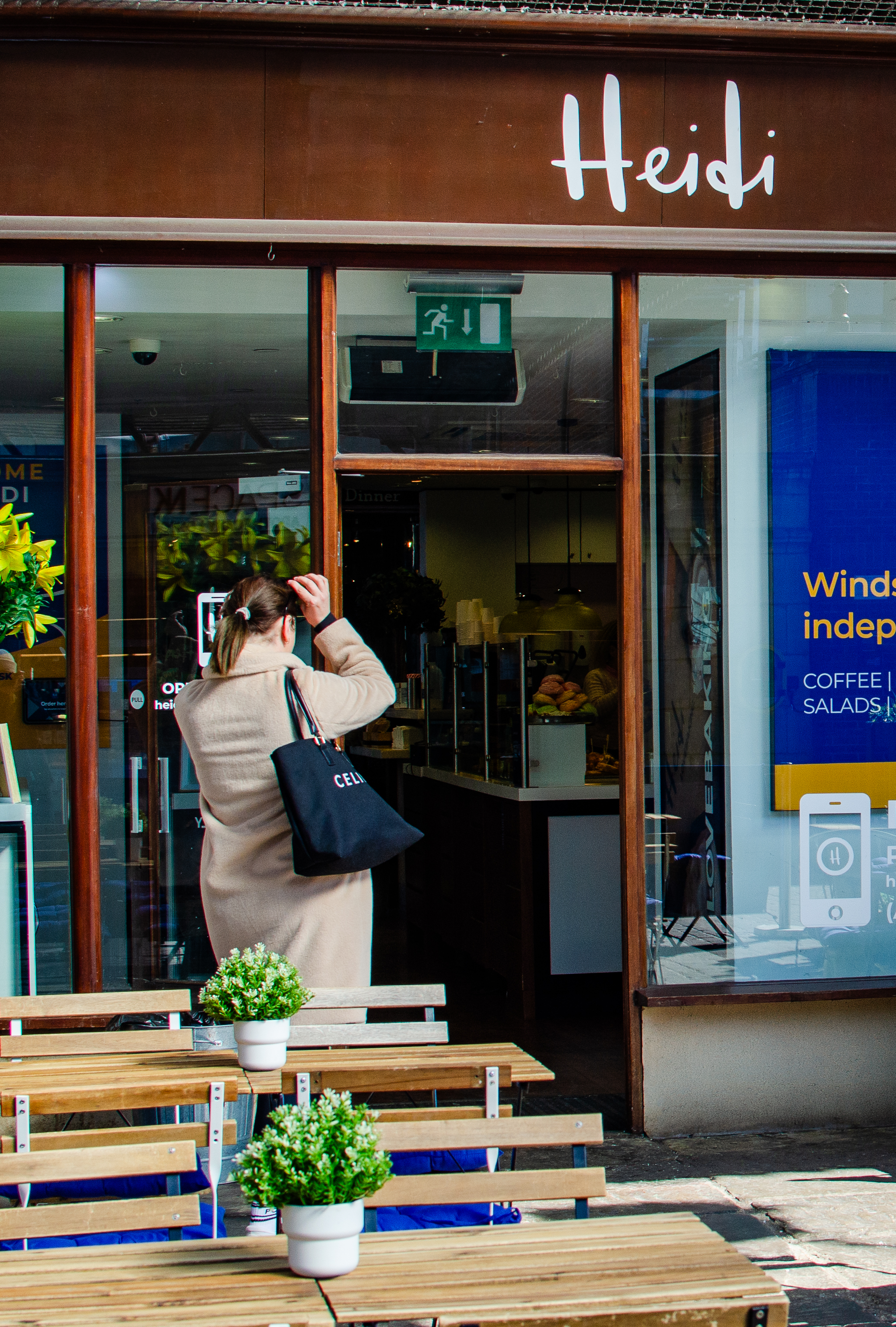
- Heidi Windsor Royal Station
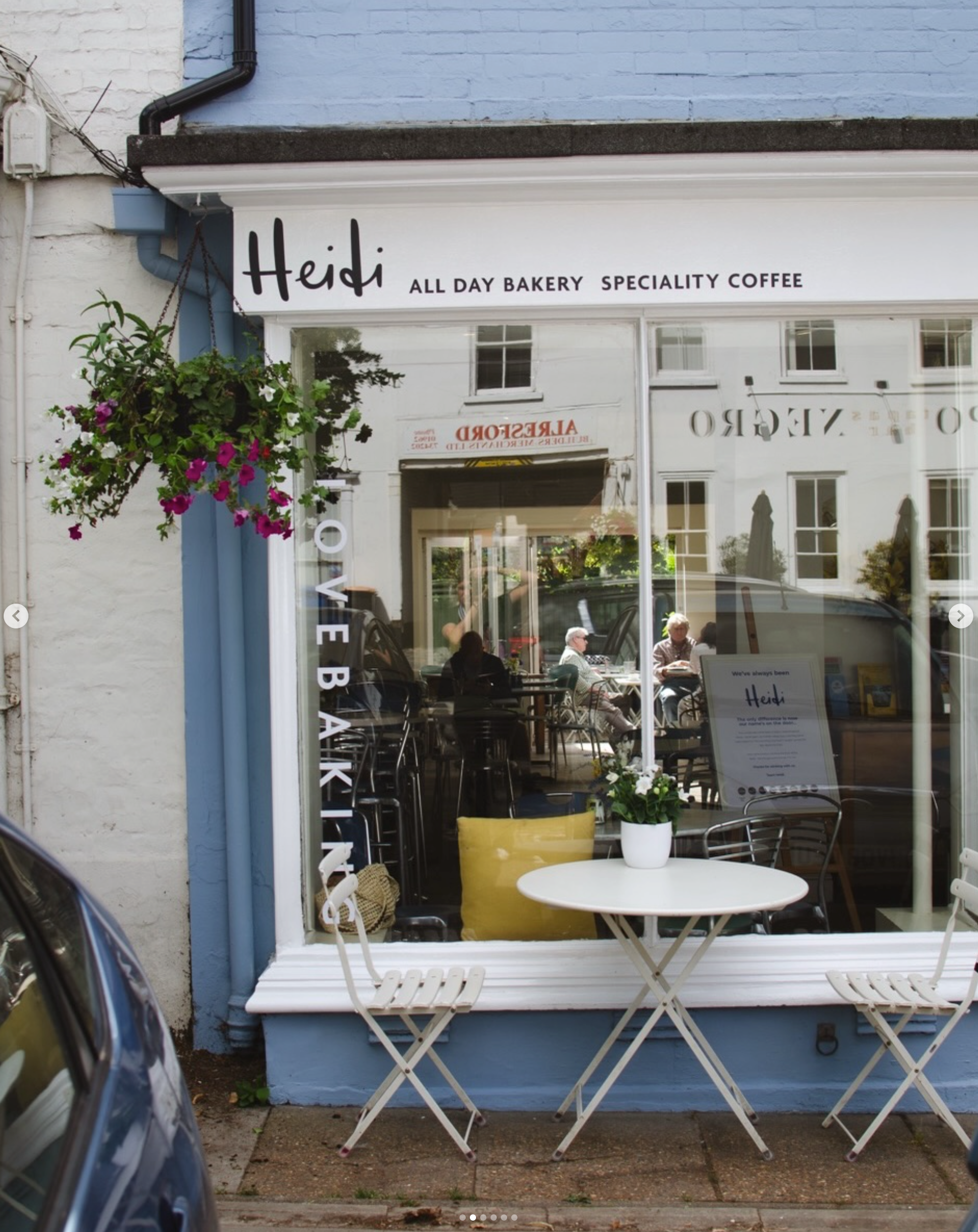
- Heidi Alresford
The app doesn’t currently connect to Heidi and Foggs inside Daniel or Heidi inside Elphicks because those cafés use their department store’s tills.
Loyalty still works at those shops—just give your mobile number to the team instead.
Getting started
Download the free Heidi app.
Create an account and add your preferred payment method.
Choose your shop and place your order.
Wait for confirmation, then head to the collection point near the coffee machine.
Your first loyalty card will arrive fully stamped, ready to exchange for a regular tea or coffee.
Questions
Do I need an account?
You can browse without one, but you’ll need to sign in to order, pay or collect loyalty stamps.
Where do I collect an order?
Head towards the coffee machine rather than joining the main ordering queue. Let the team know you’re collecting an app order.
Can I use the app in Daniel or Elphicks?
Not currently. You can still use Heidi Loyalty in both department stores by giving your mobile number at the till.
My stamps aren’t showing. What should I do?
Sign out and back in first—your stamps belong to your account rather than your phone. If they are still missing, email team@heidibakery.co.uk with your account’s mobile number, the shop and the date of your visit.